
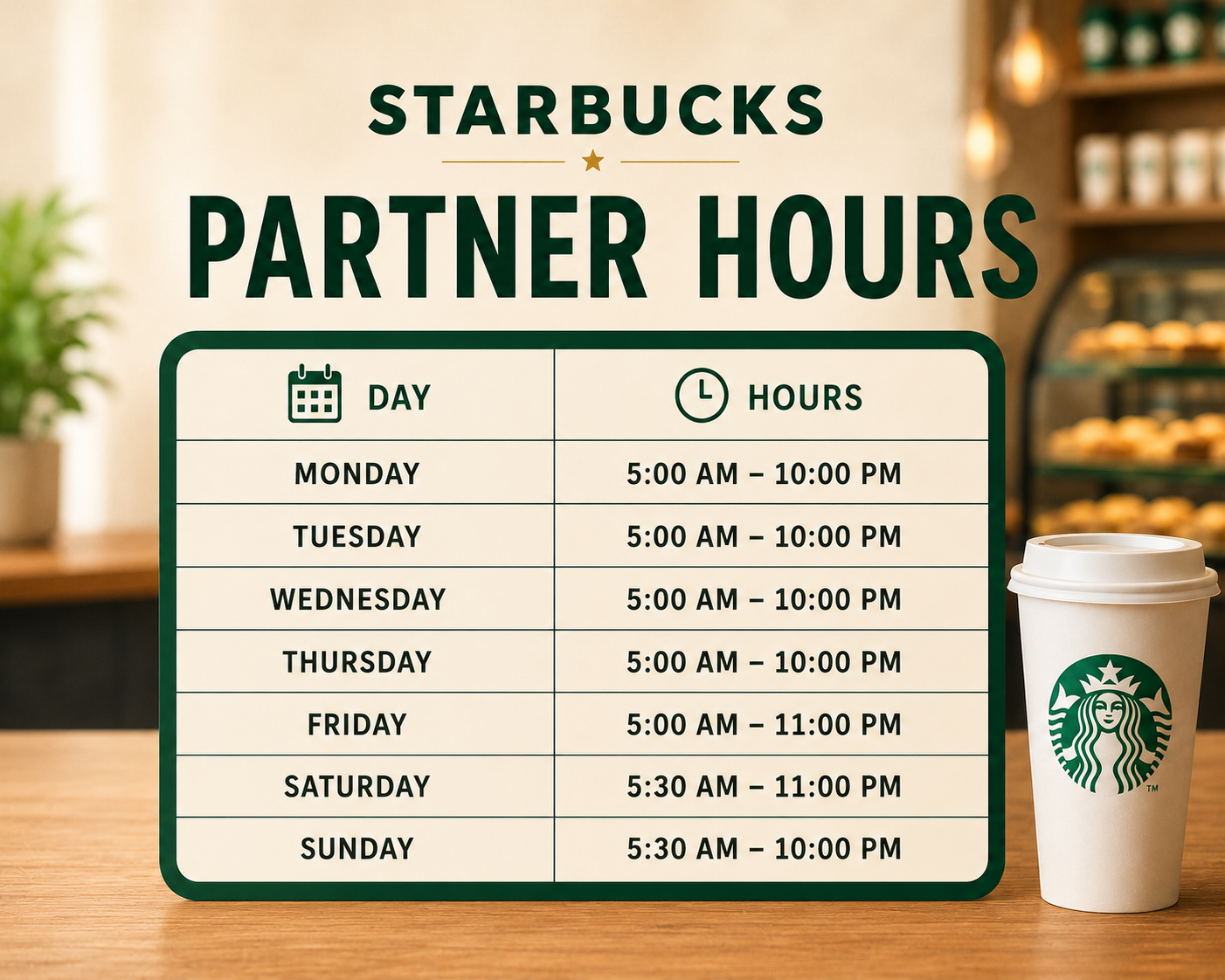
Starbucks Partner Hours
If you work at Starbucks, you can manage your shifts, time-off requests, pay details, and benefits through Starbucks Partner Hours. The platform keeps everything in one place, so you can quickly find the information you need without asking your manager every time.
Whether you’ve just joined Starbucks or need a quick refresher, this guide will show you how to log in, check your work schedule, request time off, and use the benefits available to you as a Starbucks partner.
What Are Starbucks Partner Hours
Starbucks Partner Hours is the internal system you use as a Starbucks employee, also called a partner. It helps you check your work schedule, request time off, and manage shift swaps. It does not show store opening hours. It only shows your personal work schedule.
You can access Starbucks Partner Hours through connected tools like the Partner Hub website, the Teamworks scheduling app, and some in-store kiosks. These tools use the same account, so your schedule and other details stay updated wherever you log in.
Because Starbucks Partner Hours connects with your scheduling, payroll, and benefits information, it is helpful to learn how it works early. Once you understand the system, you can check your next shift or request a day off within a few minutes.
How to Access Starbucks Partner Hours App
You can manage your Starbucks work schedule directly from your phone through the Partner Hours mobile app. This means you do not need to use a computer every time you want to check your shifts or view an update.
Here is how you can get started:
- Download the app through Workspace ONE Intelligent Hub.
- Open the app and tap Login.
- Enter your partner credentials. You may need your Network ID, Global Username, or work email, depending on your role.
- Turn on biometric login if you want faster access next time.
- Open your dashboard to check upcoming shifts, swap requests, and important alerts.
Once the app is set up, you can quickly manage your schedule from your phone whenever you need it.
Starbucks Partner Hours Login
The Starbucks Partner Hours login process depends on the type of partner account you have. If you work in a corporate role, you’ll usually log in with a Network ID.
If you work in a retail store, you’ll normally use a Global Username. Licensed-store and vendor partners may need to use their email address.
Here is how you can log in:
- Open the official login page through Starbucks Partner Hub.
- Choose your partner type if the system asks you to select corporate, retail, or licensed store.
- Enter your Network ID, Global Username, or email address.
- Enter the password you created when your account was set up.
- Contact your manager or the Partner Contact Center if you cannot access your account.
Make sure you use the correct login details for your role. This can help you avoid unnecessary login errors.
Starbucks Partner Hours Schedule
Once you log in, you can find your work schedule under My Schedule. This section shows your shift times, assigned position, and total scheduled hours for the week.
Your schedule also connects with Starbucks Partner Central, where you can request time off, manage shift swaps, and review your payroll information. This keeps your main work details together, so you can manage them without switching between different systems.
| Feature | Where to Find It |
| Weekly Schedule | Partner Hub or Teamworks app |
| Shift Swap Requests | Teamworks app |
| Time-Off Balances | Partner Central |
| Pay Statements | Partner Central |
How to Request Time Off on Starbucks Partner Hours
You can request time off through the Teamworks app or Partner Hub. The process is simple, but your manager’s approval will depend on staff availability during your selected dates.
Here is how you can submit your request:
- Open the Teamworks app or Starbucks Partner Hub.
- Go to the Time Off section.
- Choose the dates you need off.
- Submit your request for your manager to review.
- Check your schedule to see whether your request has been approved.
Try to submit your request as early as possible. This gives your manager more time to arrange coverage for your shifts.
Starbucks Part Time Partner Hours
If you work part-time at Starbucks, you’ll usually have fewer scheduled hours each week. However, you can still use the same scheduling tools and may qualify for many of the same partner benefits. Your eligibility will depend on how many hours you work and the requirements for each benefit.
| Category | Typical Range |
| Weekly Hours | Under 20 hours |
| Schedule Access | Full access via app and Partner Hub |
| Benefits Eligibility | Varies based on average hours worked |
Starbucks Full Time Partner Hours
If you work full-time at Starbucks, you’ll usually have more regular hours each week. You may also qualify for a wider range of partner benefits, depending on your role, location, and eligibility requirements.
| Category | Typical Range |
| Weekly Hours | 30+ hours |
| Schedule Access | Full access via app and Partner Hub |
| Benefits Eligibility | Broader access, including healthcare options |
Starbucks Partner Hours vs Regular Hours
You may easily confuse Starbucks Partner Hours with regular store hours, but they refer to two completely different things.
Partner Hours shows your personal work schedule, while regular Starbucks hours tell you when a store opens and closes for customers.
| Term | What It Means |
| Partner Hours | Your personal work schedule as an employee |
| Starbucks Hours | The store’s public operating hours for customers |
Starbucks Partner Benefits & Perks
Your Starbucks partner account gives you access to more than just your work schedule. Depending on your location, role, and eligibility, you may also receive several useful employee benefits.
Here are some benefits you may be able to access:
- Weekly coffee markout: You can receive free coffee or tea each week.
- Partner discount: You can save money on eligible in-store purchases.
- 401(k) tracking: You can review and manage your retirement savings.
- College Achievement Plan: You may qualify for tuition support through an eligible education program.
- Lyra mental health resources: You can access mental health support and helpful wellness services.
You should check your partner account for the exact benefits available to you, since eligibility may depend on your hours and employment status.
Starbucks Partner Discount
Your Starbucks employee discount is one of the most popular partner benefits. You can easily view and track it through your partner account, so you always know what savings are available when you make an eligible purchase.
| Benefit | Details |
| In-Store Discount | Around 30% off eligible purchases |
| Weekly Markout | Free bag of coffee or box of tea each week |
| Discount Tracking | Visible through Partner Central |
How to Contact Starbucks Partner Support
If you have trouble logging in or need help with your Starbucks partner account, you can get support in several ways.
- Call the Partner Contact Center:
Use this option when you have login, password, or account-access problems. - Speak with your store manager:
Your manager can help with questions about your schedule, shifts, or time-off requests. - Use the in-app help section:
The Partner Hours app may provide support for common account and scheduling issues. - Check the Partner Hub FAQs:
You can often find quick solutions for common problems without contacting support.
Start with the option that best matches your issue. This can help you solve the problem faster.
FAQ’s
Starbucks Canada – Customer Service
Starbucks Canada Contact Number: +1-800-782-7282
- Starbucks Canada Headquarters: 5160 Yonge St, North York, Toronto, Ontario
- Official Website: https://www.starbucks.ca
- Mobile App: Starbucks App
- Restaurant Locator: https://www.starbucks.ca/store-locator
- Customer Support: https://customerservice.starbucks.ca
- Starbucks Careers Canada: https://www.starbucks.ca/careers
Conclusion
Once you understand how Starbucks Partner Hours works, managing your work schedule becomes much easier. You can check your next shift, request time off, and view important updates without waiting for your manager.
Whether you use the Partner Hours app, Teamworks, or Partner Hub, your information stays connected across the same system.
After setting up your account, Starbucks Partner Hub becomes your main place for checking schedules, benefits, and pay details. If you have trouble accessing anything, you can contact your store manager or the Partner Contact Center for help.