
Where Is the Security Code on a Starbucks Gift Card?
Trying to add your Starbucks gift card to the app or check the balance online, but can’t find the security code? You’re not alone. This can be confusing, especially when you’re using a physical card for the first time.
You’ll see where to find the code on both physical cards and digital eGifts. You’ll also learn what to do if the code is damaged, missing, or already scratched off.
What Is the Starbucks Gift Card Security Code?
The Starbucks gift card security code is an 8-digit number linked to your card. You may also see it called the Card Security Code, CSC, or PIN. It works with the 16-digit card number to confirm that the card belongs to you.
You don’t need this code when you pay inside a Starbucks store. Scanning or swiping the card is enough. You’ll need it when you add the card to the app, check the balance online, or register it to your Starbucks account.
Where to Find the Security Code (Step-by-Step)
Finding the security code is easy once you know where to look. Here’s what you need to do:
- Turn your Starbucks gift card over.
- Find the 16-digit card number on the back.
- Look for the small scratch-off area nearby.
- Scratch it gently with a coin.
- You’ll see the 8-digit security code.
Physical Gift Card — Front vs Back Location
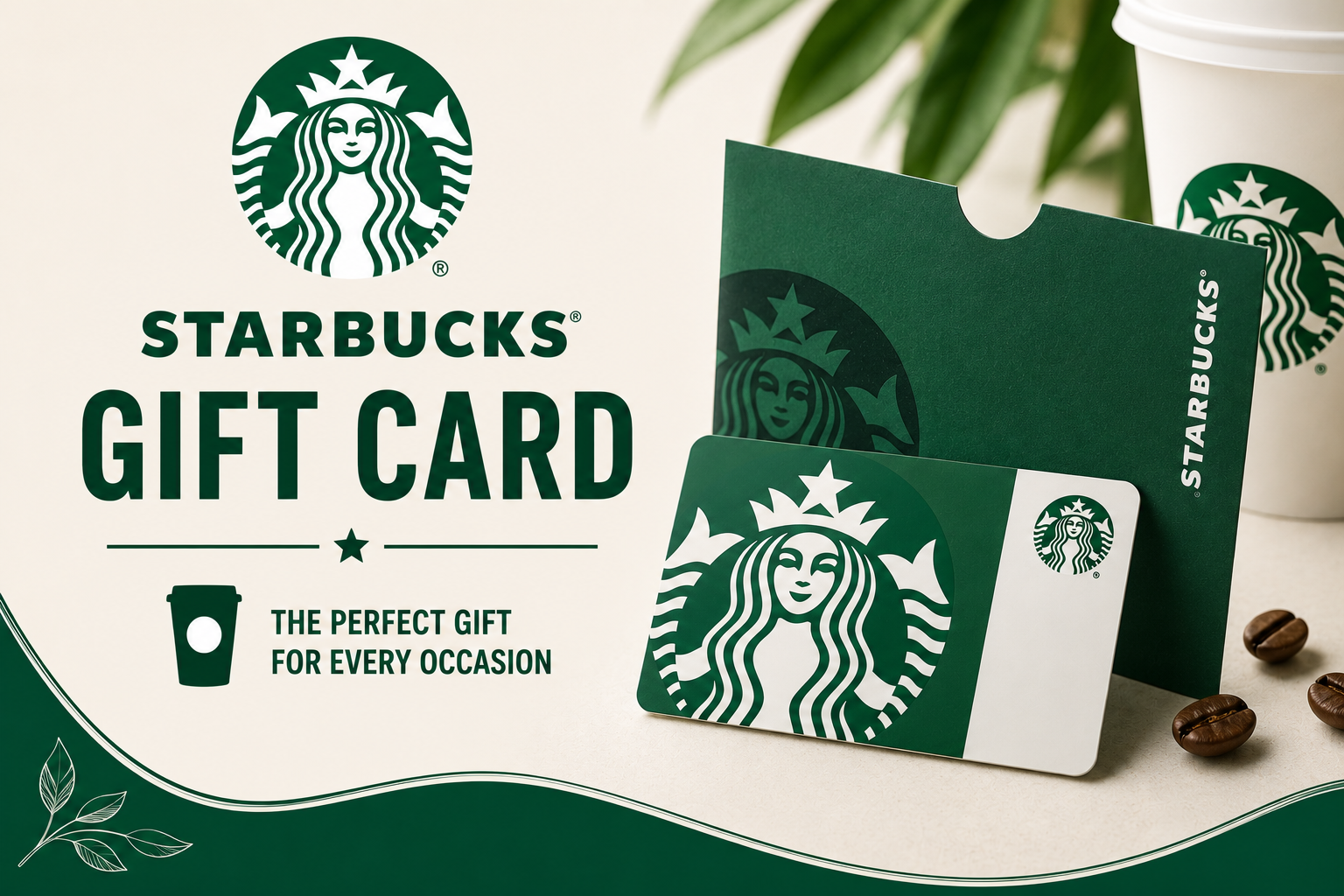
You’ll find the card number and security code on the back of your Starbucks gift card. The front only shows the card design and Starbucks branding.
| Card Side | What You’ll Find |
| Front | Card design, artwork, no code |
| Back | 16-digit card number and scratch-off security code |
Digital / eGift Card — Where the Code Appears
If you received a digital Starbucks gift card, you don’t need to scratch anything. The security code is already shown in the email or message that came with the eGift card.
| Format | Where the Code Appears |
| Email eGift | Directly below or near the card number in the message |
| Text/SMS Gift | Included in the delivered message |
| Starbucks App (after adding) | Code is hidden again for security, not re-displayed |
How to Use the Security Code (Correct Way)
Once you find the code, you can use it in a few simple steps:
- Check the details and continue.
- Open the Starbucks app or website.
- Choose “Add a Card” or “Check Balance.”
- Enter the 16-digit card number.
- Enter the 8-digit security code.
What to Do if the Code Is Scratched Off or Missing
If the security code is damaged or hard to read, try these steps:
- Check the card under a bright light.
- Turn it at a different angle.
- Keep your receipt as proof of purchase.
- Contact Starbucks Customer Service for help.
- Share the card number and any details you can still see.
FAQ’s
Starbucks Canada – Customer Service
Starbucks Canada Contact Number: +1-800-782-7282
- Starbucks Canada Headquarters: 5160 Yonge St, North York, Toronto, Ontario
- Official Website: https://www.starbucks.ca
- Mobile App: Starbucks App
- Restaurant Locator: https://www.starbucks.ca/store-locator
- Customer Support: https://customerservice.starbucks.ca
- Starbucks Careers Canada: https://www.starbucks.ca/careers
Conclusion
Finding the security code on your Starbucks gift card is easy once you know where to look. For a physical card, check the scratch-off area on the back. For a digital eGift card, you’ll find the code in the email or message you received.
Once you have the 8-digit code and the 16-digit card number, you can check your balance or add the card to the Starbucks app.
If the code is damaged or missing, keep your receipt and contact Starbucks Customer Service. They may be able to help you recover access to your card.